Open the map
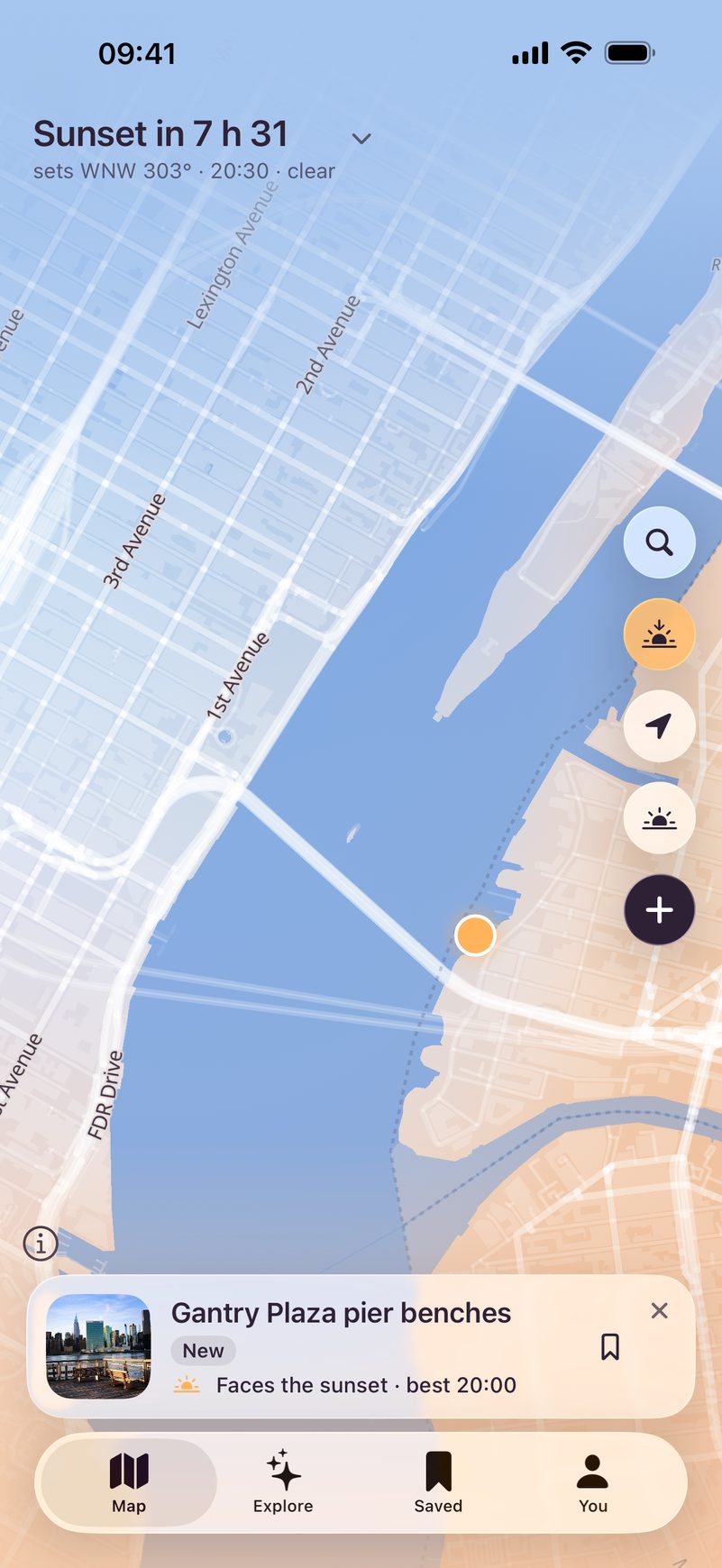
Every pin is a bench someone thought was worth sitting on. The colors follow the real sky: in New York the sun sets in 31 minutes, so the map is already golden.
For iPhone · iOS 26
Find a bench with a sunset view nearby. Bench Spotter tells you when to come and whether the sky will be clear.
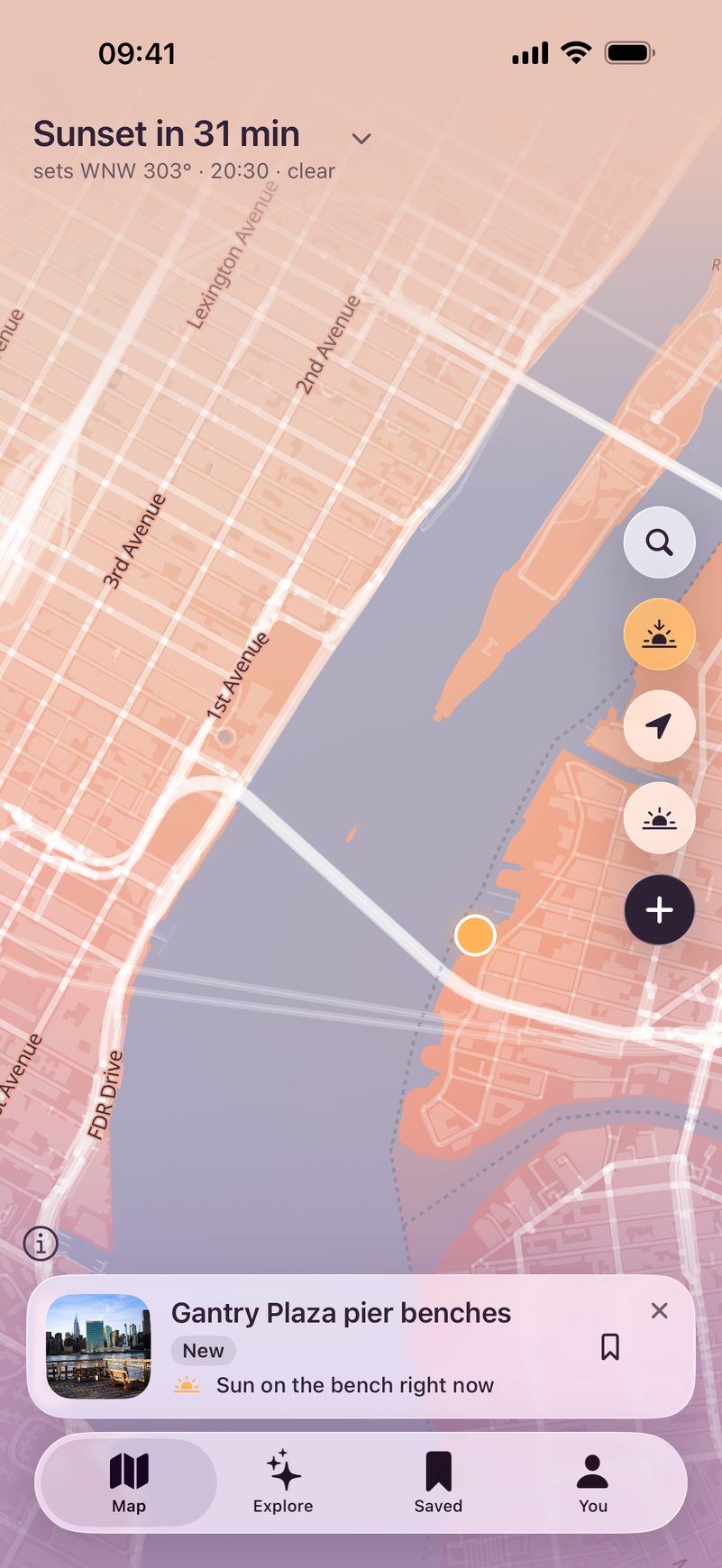
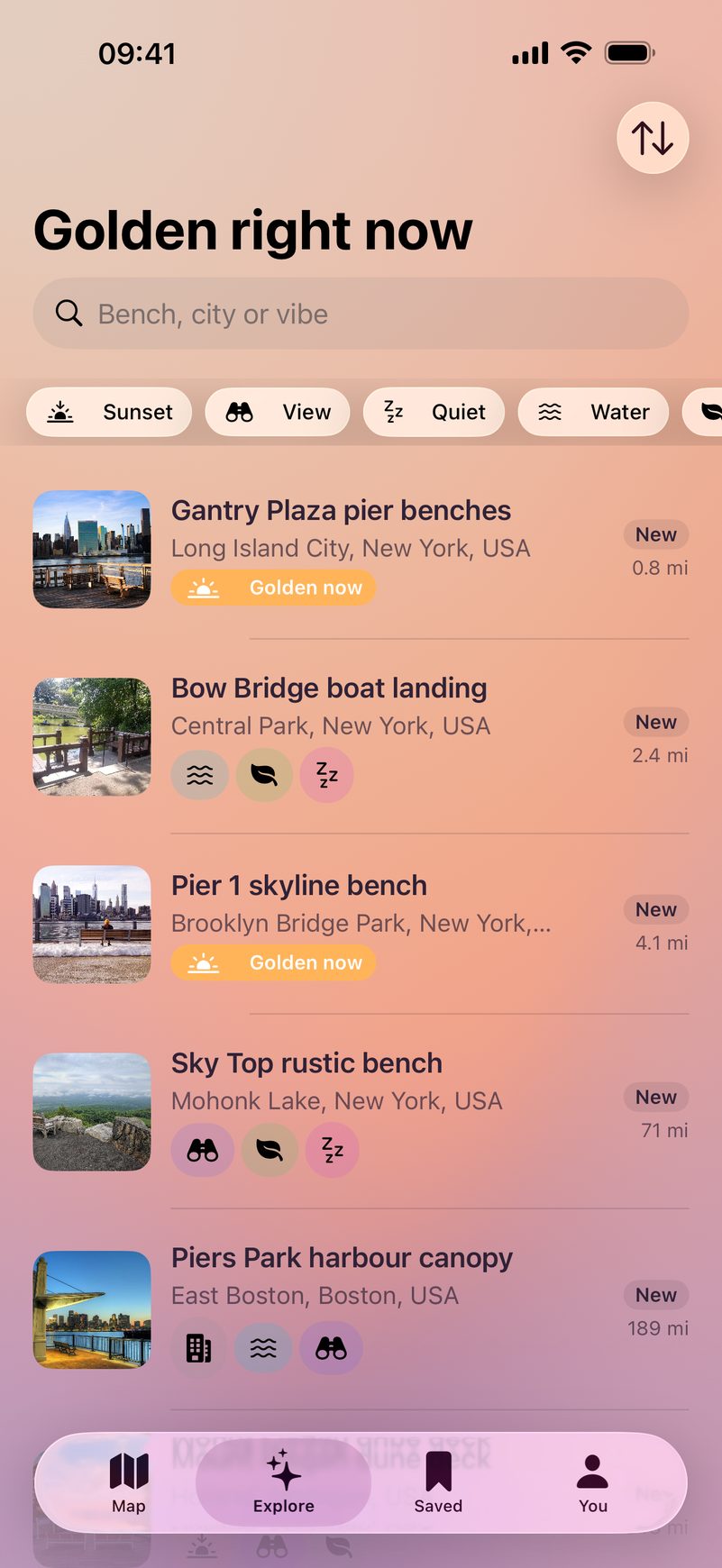
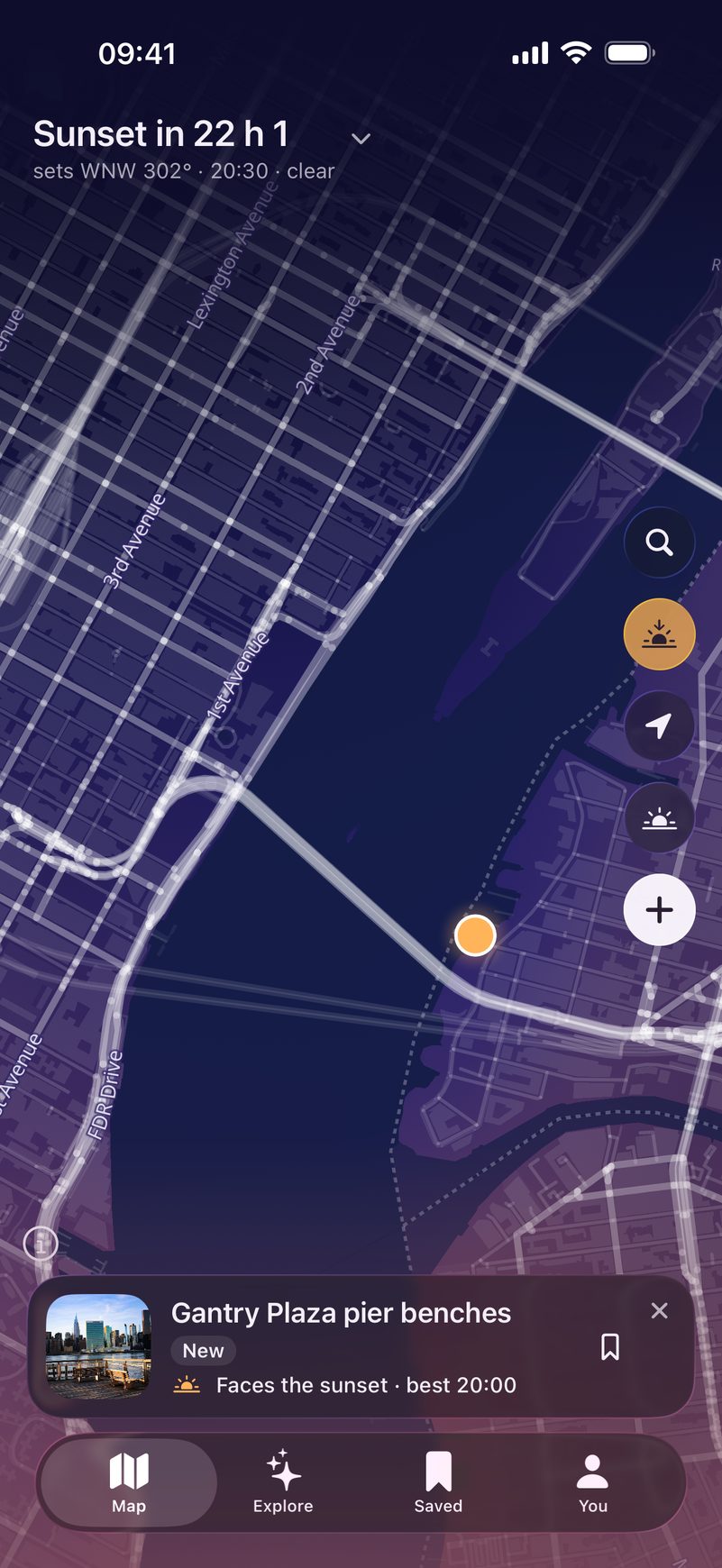
Every pin is a bench someone thought was worth sitting on. The colors follow the real sky: in New York the sun sets in 31 minutes, so the map is already golden.
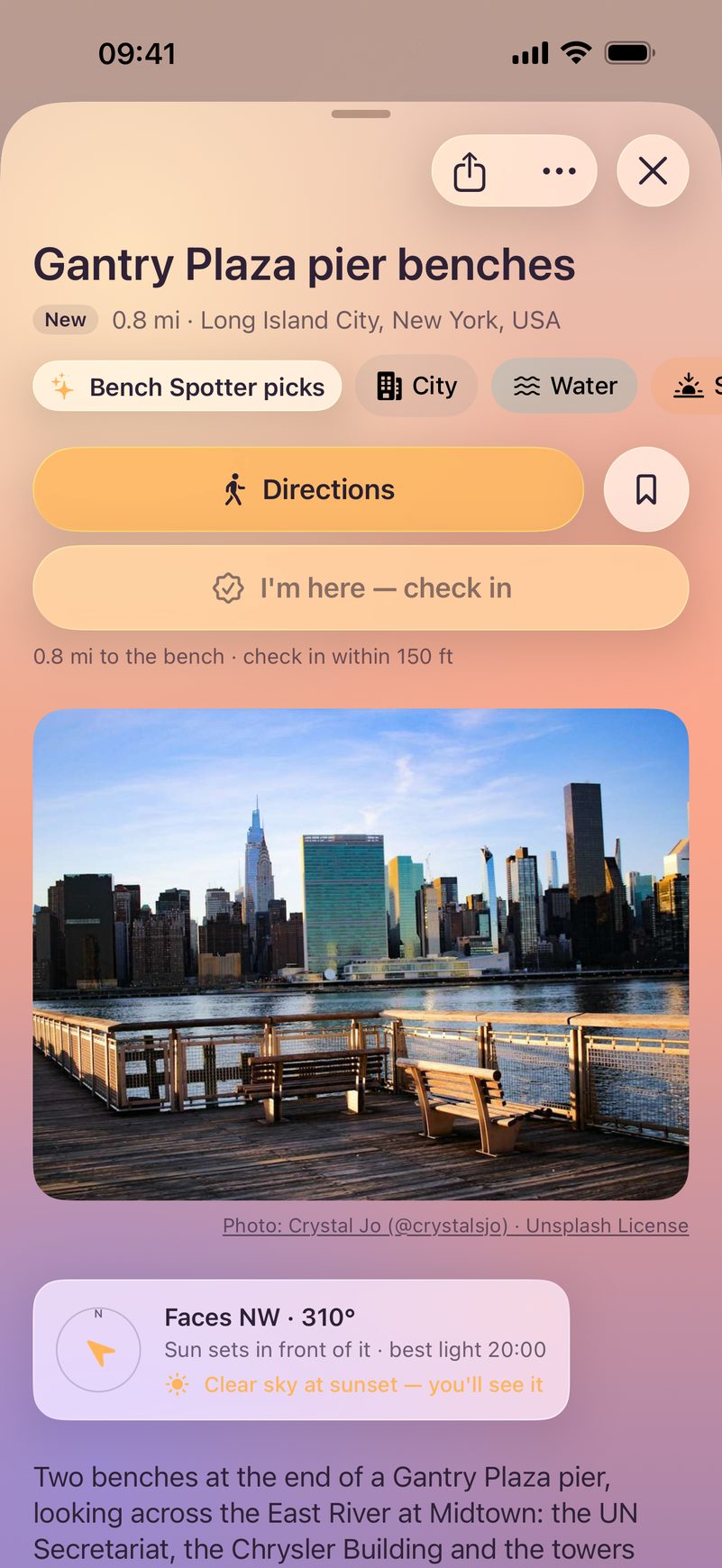
You get a photo, reviews and the direction the bench faces. This one looks northwest, so the sun sets behind Midtown right in front of you. Directions opens the route in your maps app.
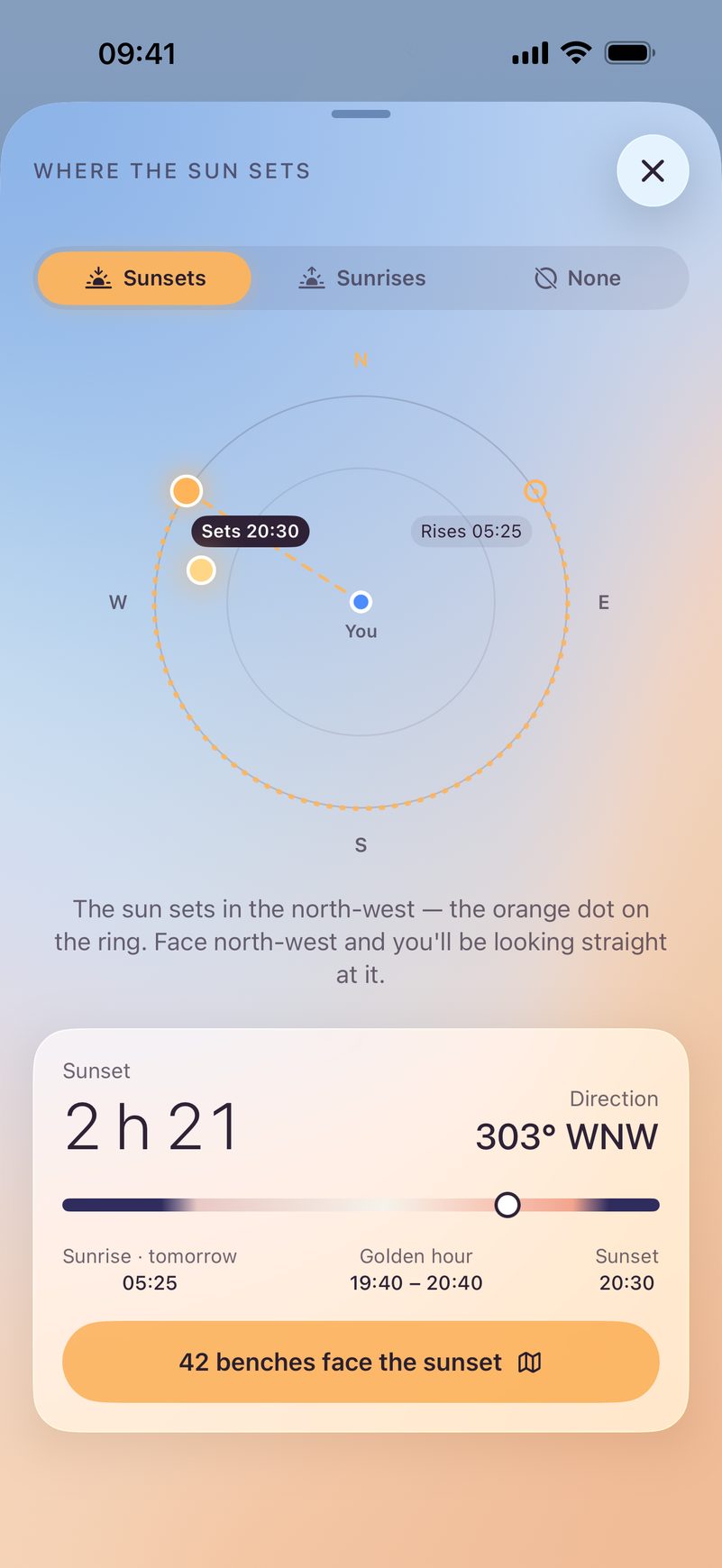
The sun screen shows where and when the sun sets today, when golden hour starts and how many benches face it: 42 so far. Turn on a reminder and it arrives 30 minutes before the best light.
Pick what you are in the mood for: view, sunset, water, quiet, coffee, nature, cozy, city or mountains. Search near you or in any city.
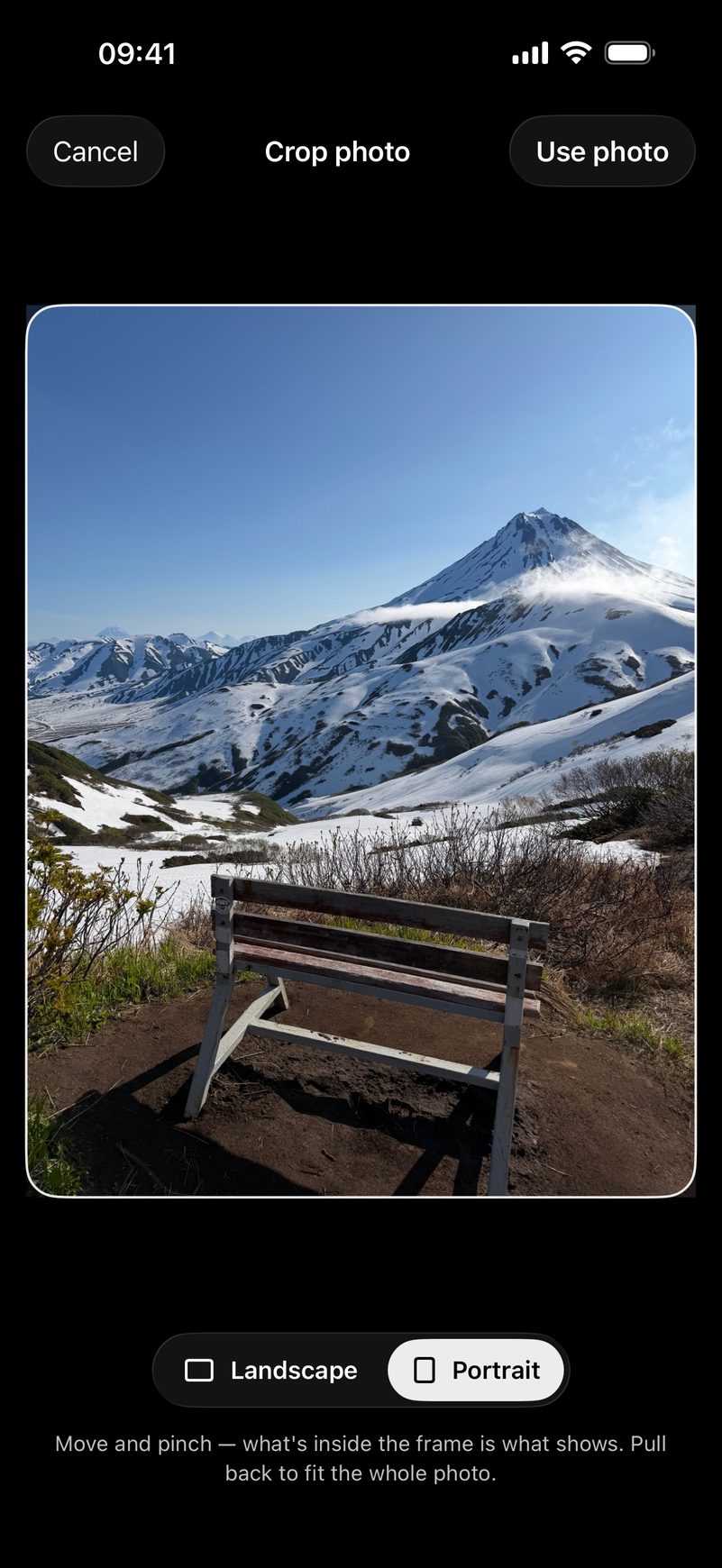
Know a good one? Stand behind the bench, point your phone the way it looks and tap Lock. Add a photo of the view and a name, and it is on the map.
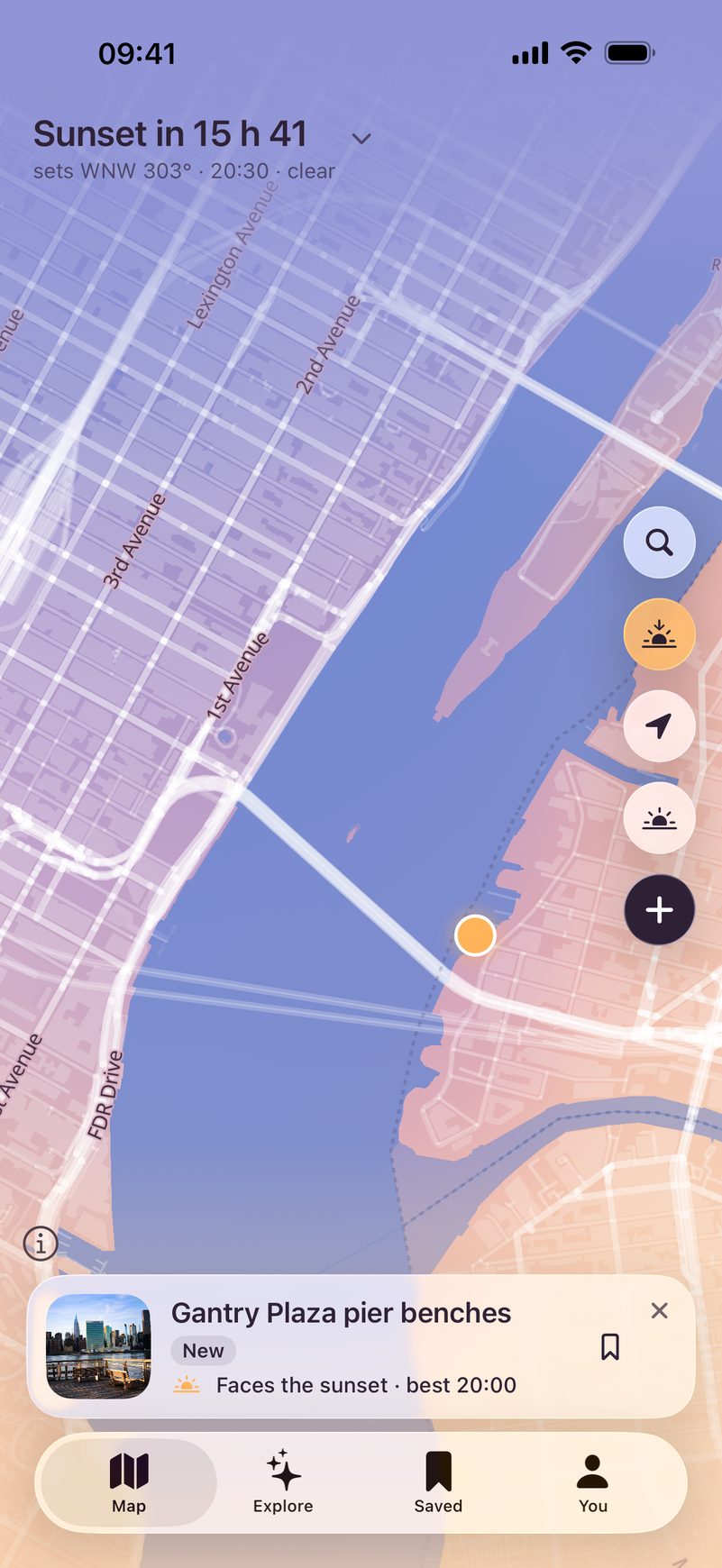
The app follows the sun where you are. Warm at golden hour, deep blue at night, pale in the morning.
Colors by the sun
Bench Spotter takes its colors from the height of the sun where you are. Pale pink at dawn, blue at noon, orange at golden hour, dark at night. There is a dark theme too.
Places
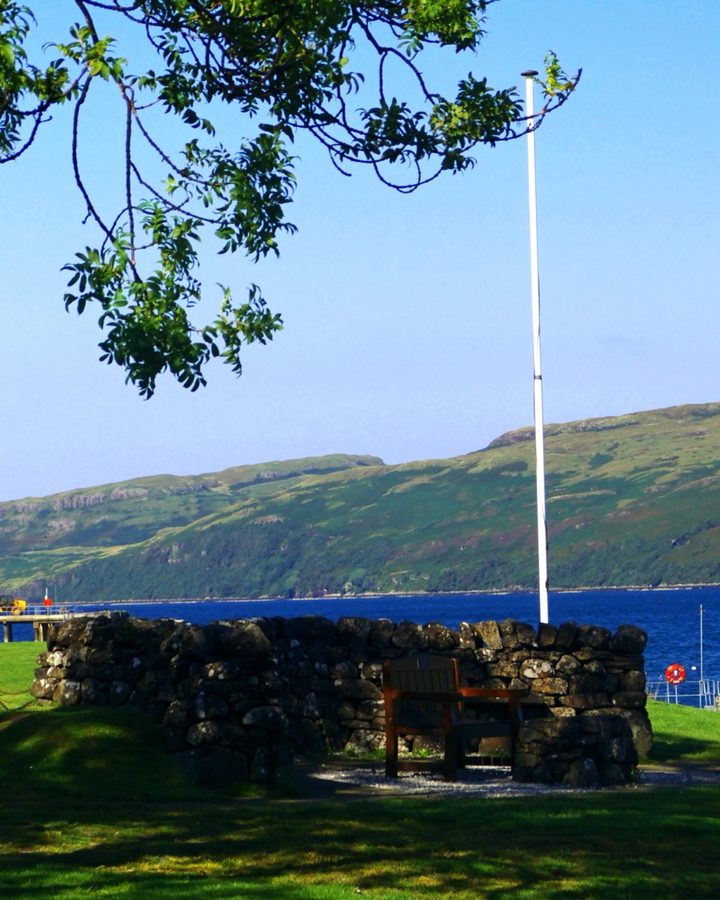
Above the fog in Tyrol, on the shore of Lake Zurich, on a clifftop in Cornwall. These are the benches Bench Spotter is made for.
Features
Every bench is saved with its compass direction. So “sunset at 20:30” means right in front of you, not behind your back. Same for sunrise.
Each bench shows the cloud forecast for sunset: clear, some clouds or mostly cloudy. Some clouds often give the best colors.
Tap “I’m here” when you sit down, save benches for later, write reviews with photos. You earn badges too, like Sunset chaser.
Every bench shows who found it. Follow the people whose finds you like, and their new benches appear in Explore.
No analytics either. You can look around without an account. Sign in with Apple or Google only when you want to add benches for everyone.
Get a route in Apple Maps, Google Maps or Yandex Maps. Send a bench as a link, a postcard or a story.
Free on the App Store
Point your iPhone camera at the code or tap the button. The app is free, and you don’t need an account to look around.
Download on theApp StoreRequires iOS 26 or later. In English, Russian, German, French and Spanish.